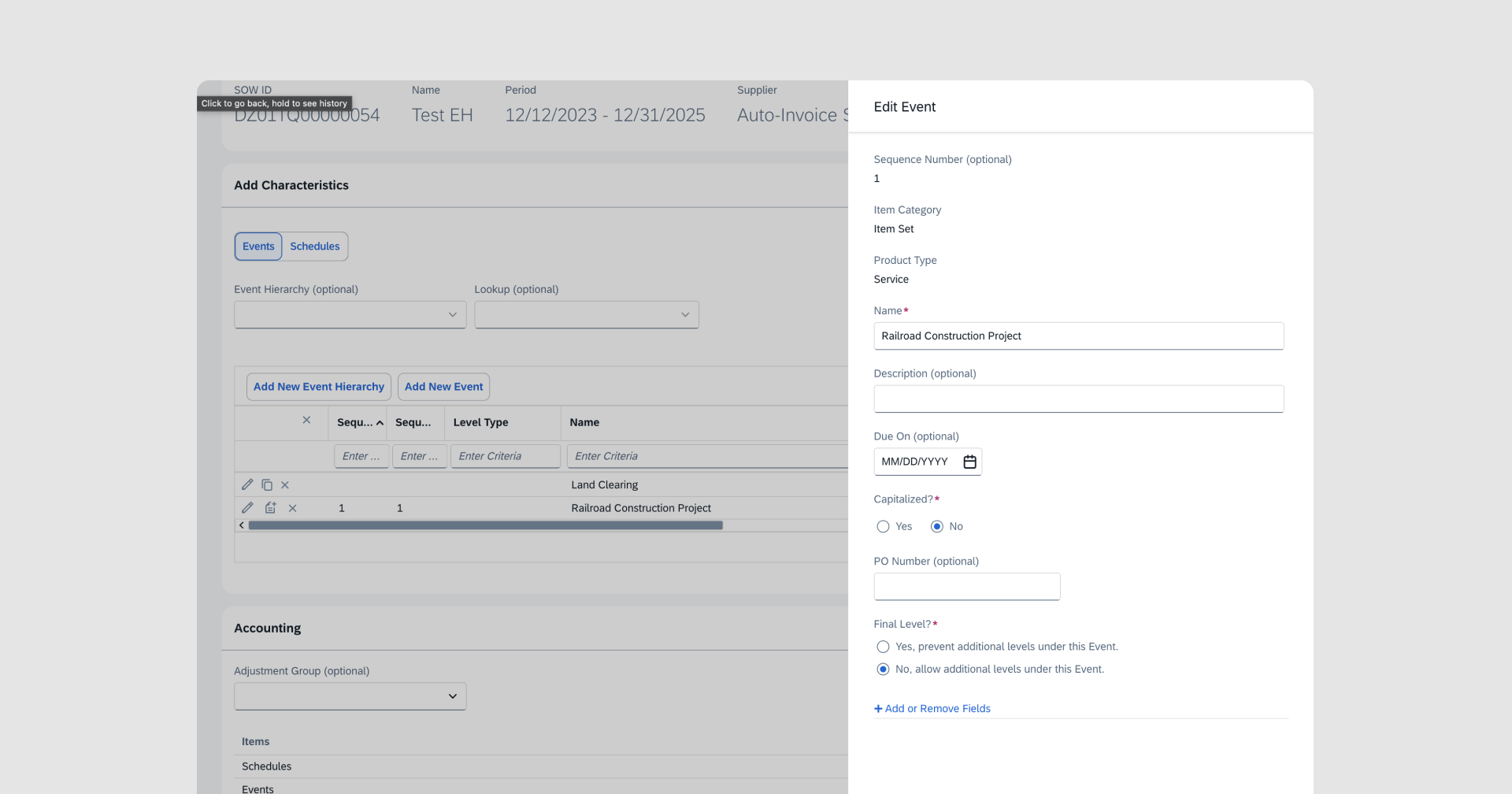
Giving Project Managers Their Afternoons Back: SOW Deliverable Creation at 18x Speed
Led the design of an AI-assisted flow that drafts Statement of Work deliverables inside the workflow people already use — cutting a tedious four-and-a-half-minute task to fifteen seconds while keeping project managers in full control.
- AI/ML
- Enterprise
- Desktop
- Research
- Role
- Lead Designer
- Efficiency
- 18x Faster
- Strategic Value
- Featured in Upsell Deals
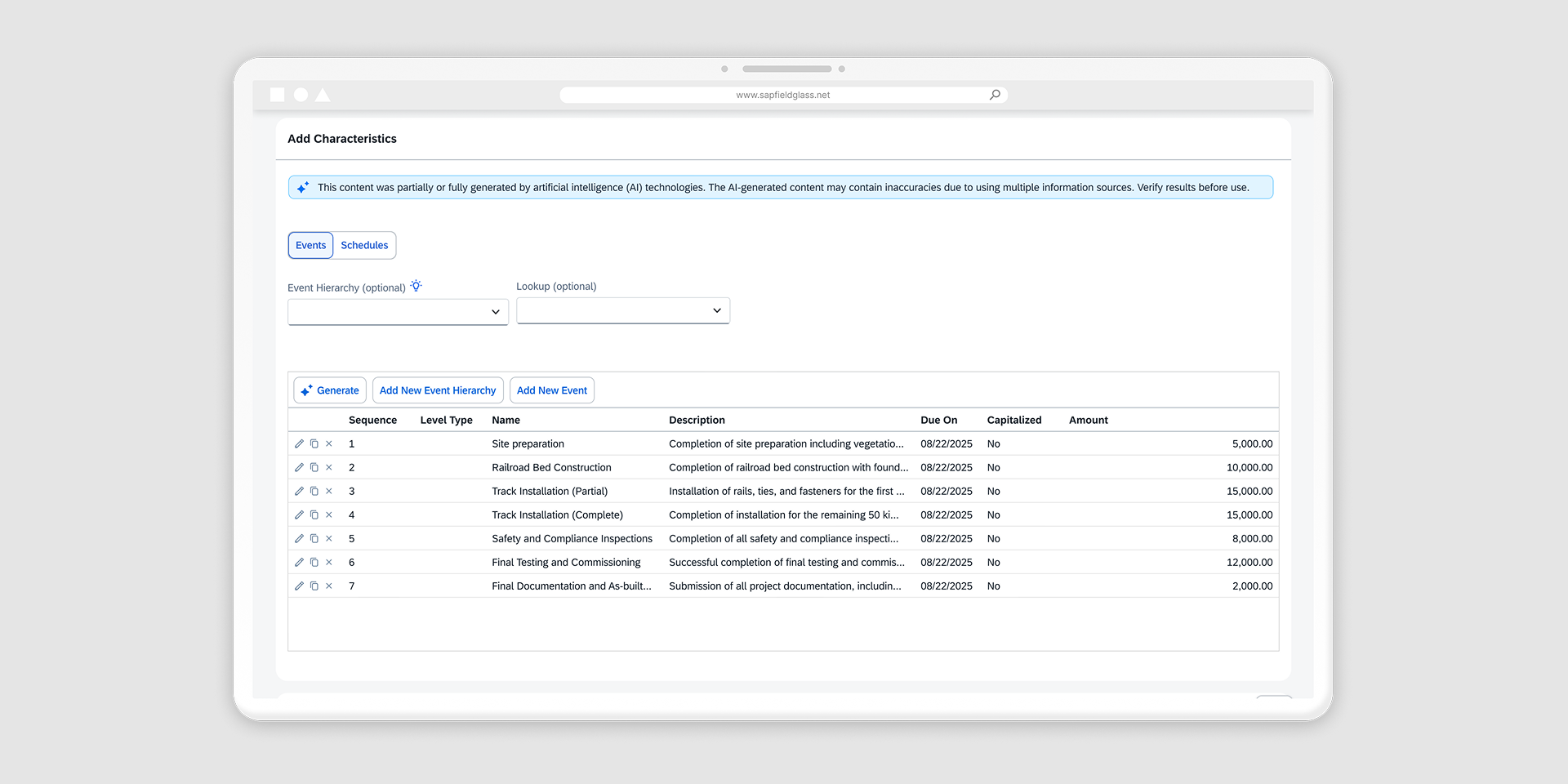
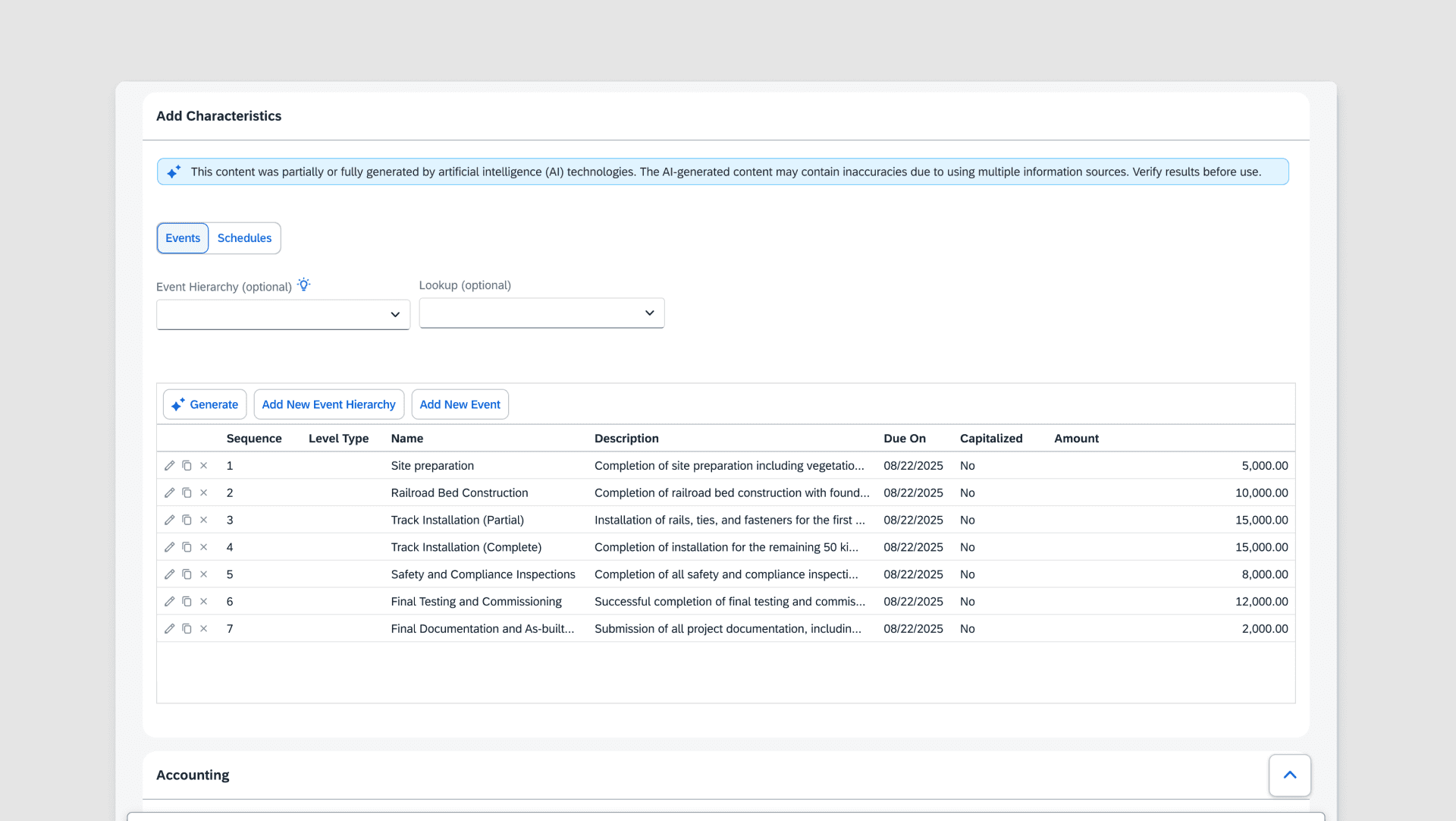
Faster form pages: AI assisted form completion
I led the design of AI-enhanced workflows that streamlined how customers create Job Postings and Statements of Work (SOW). These new workflows made the process faster and more intuitive while aligning with strategic business goals.
Designing for the 80% - Understanding user behavior through data mining
With limited access to users, I relied on data mining to better understand user behavior. I wanted to understand the average number of deliverables that users typically add to their SOWs. This would help determine how many items to generate with the AI output. I learned that on average, users created 11 deliverables. I used this number as the default for the designs while allowing them to adjust if needed.
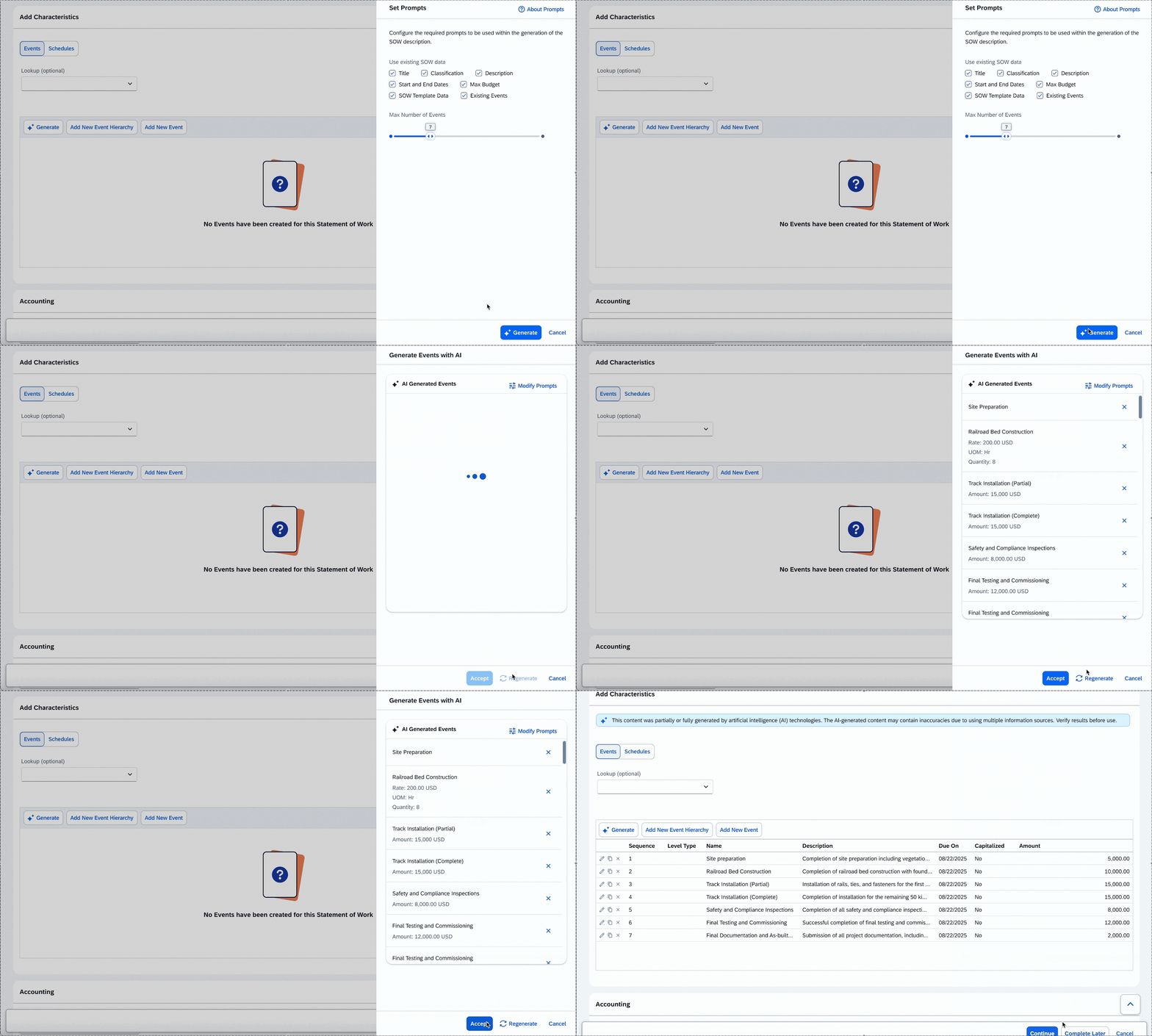
I made key design decisions to embed AI seamlessly while building user trust.
Embed AI while adhering to existing behaviors
There were many discussions surrounding where the AI should be placed with many suggestions to “add a button”. However, this experience separated the same end goal into two workflows and would require users to adapt their current behavior. Instead, I suggested embedding the recommendations within the existing workflow. This created a more seamless experience.
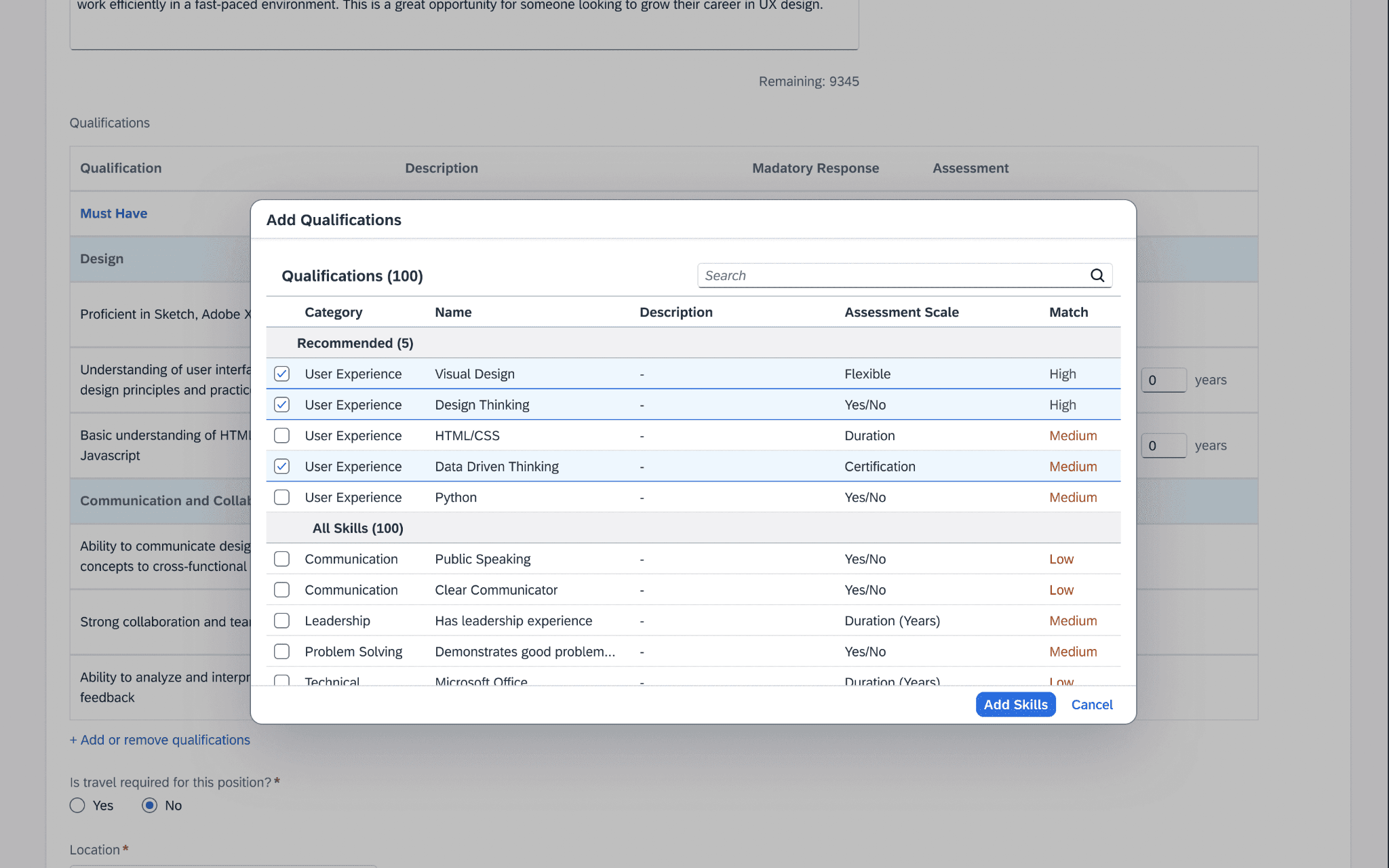
Communicating AI accuracy to build trust
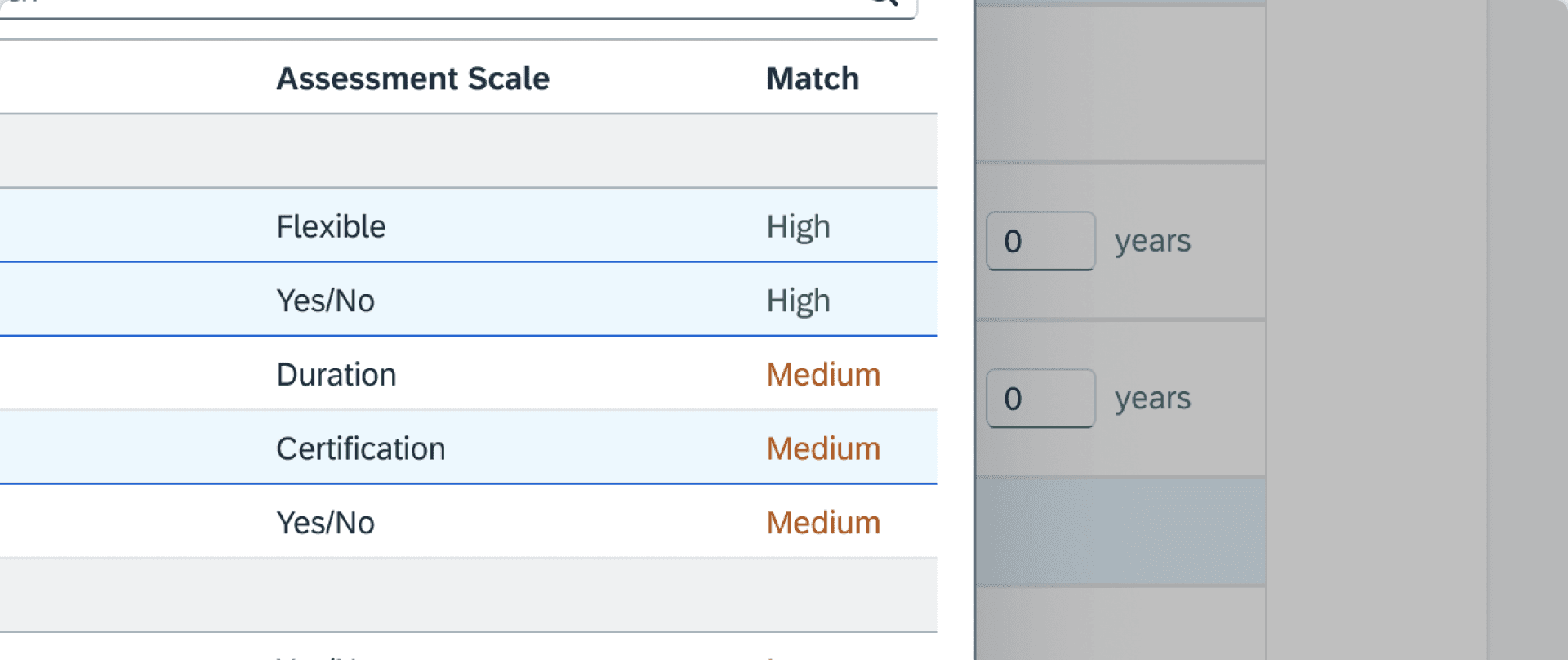
Many customers are skeptical on the accuracy of AI output. To help address this concern, I included a match accuracy measurement along with the information that was used to determine the score. This provided more transparency into the output and gave the user more confidence in their decision.
Human oversight to adjust AI output
Often, the AI-generated output wasn’t fully accurate. To give users confidence and control, we made it possible to manually adjust the information if it didn’t meet their standards. I proposed using a modal instead of populating the table directly, allowing users to review and edit the content before applying it.